We do not collect your data
ONANY does not require an account and does not collect names, contact details, location, device identifiers, usage data, or photo content. The app contains no advertising, analytics, or third-party tracking SDKs.
 ONANY叠影
ON ANY FRAME
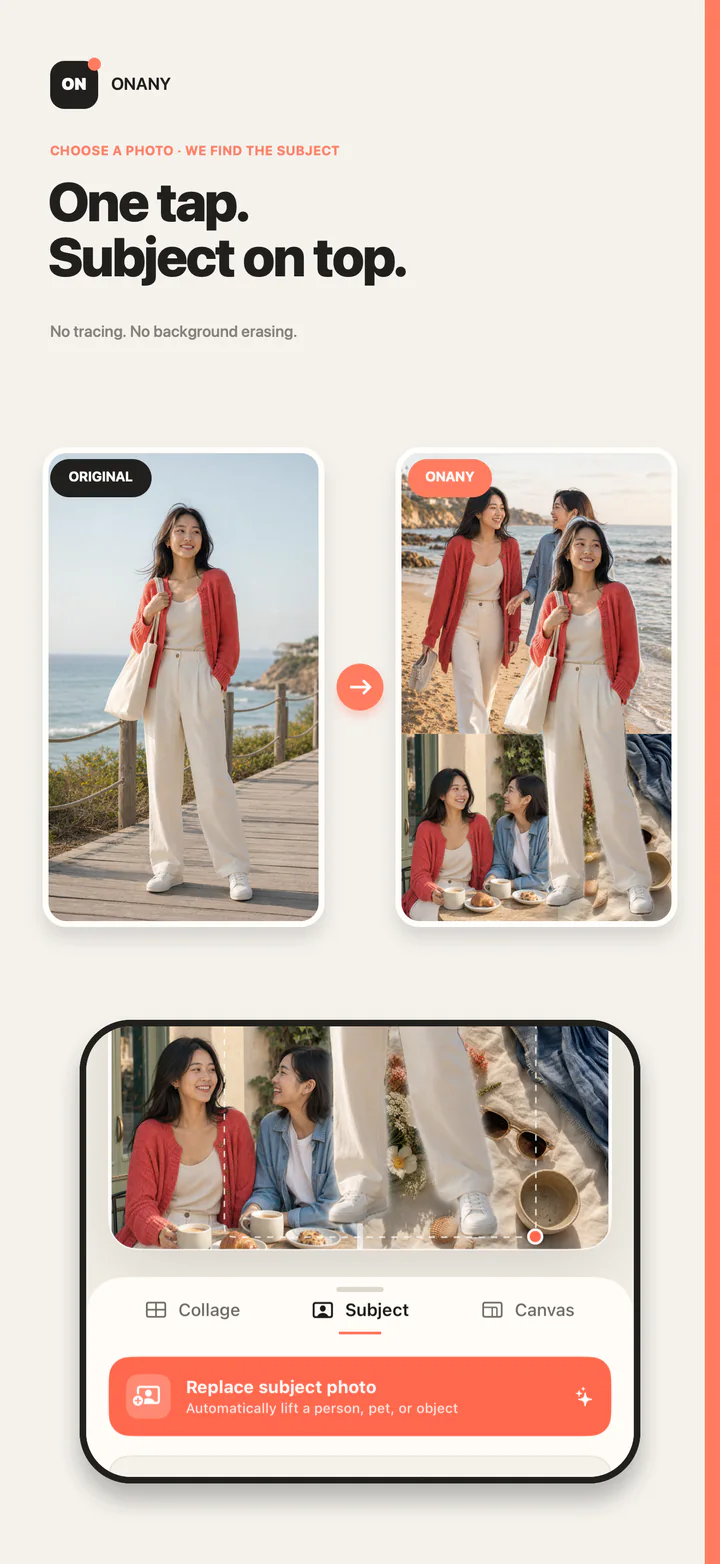
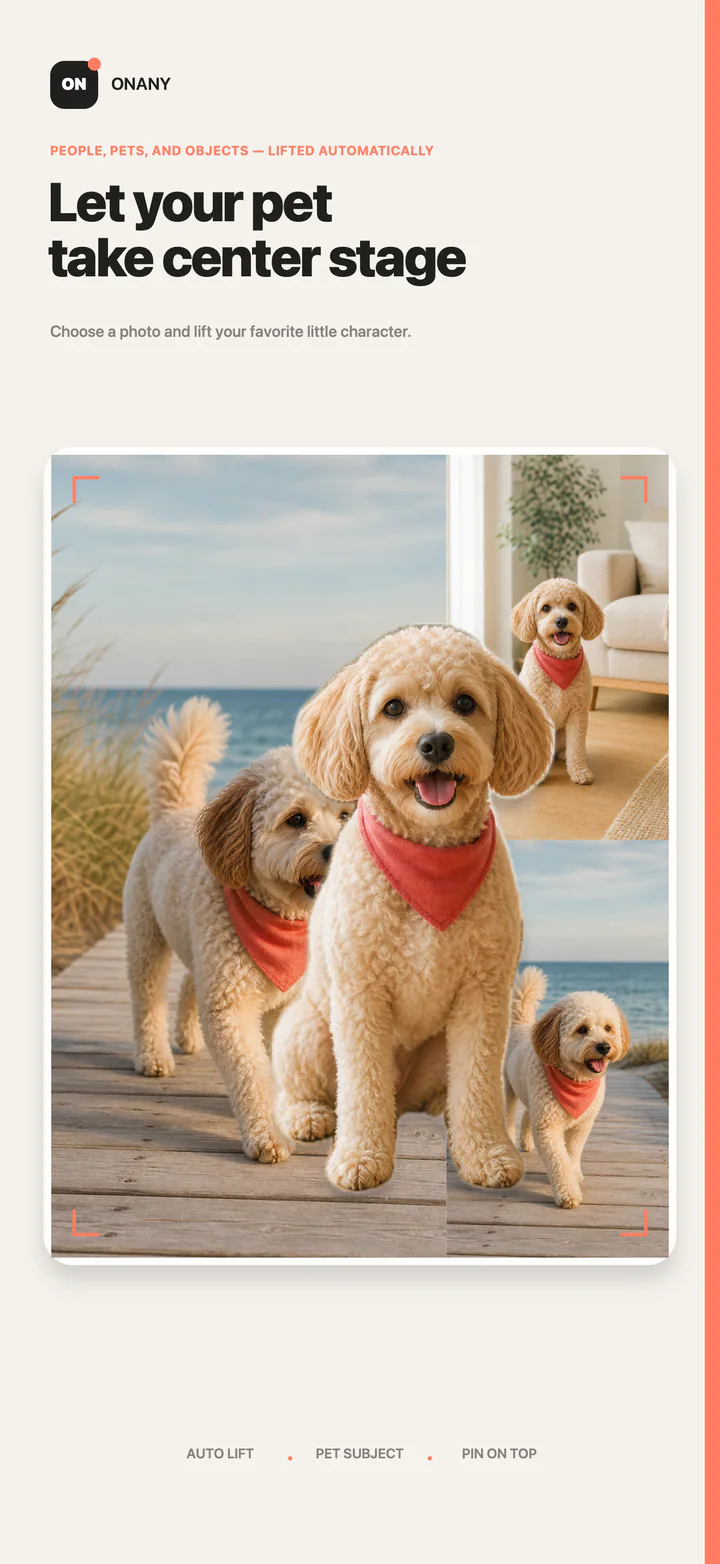
Arrange 2–6 photos into a collage, then extract a person, pet, or object from another photo and place the subject above the whole composition.
iPhone · iPad · Version 1.3.0 · Free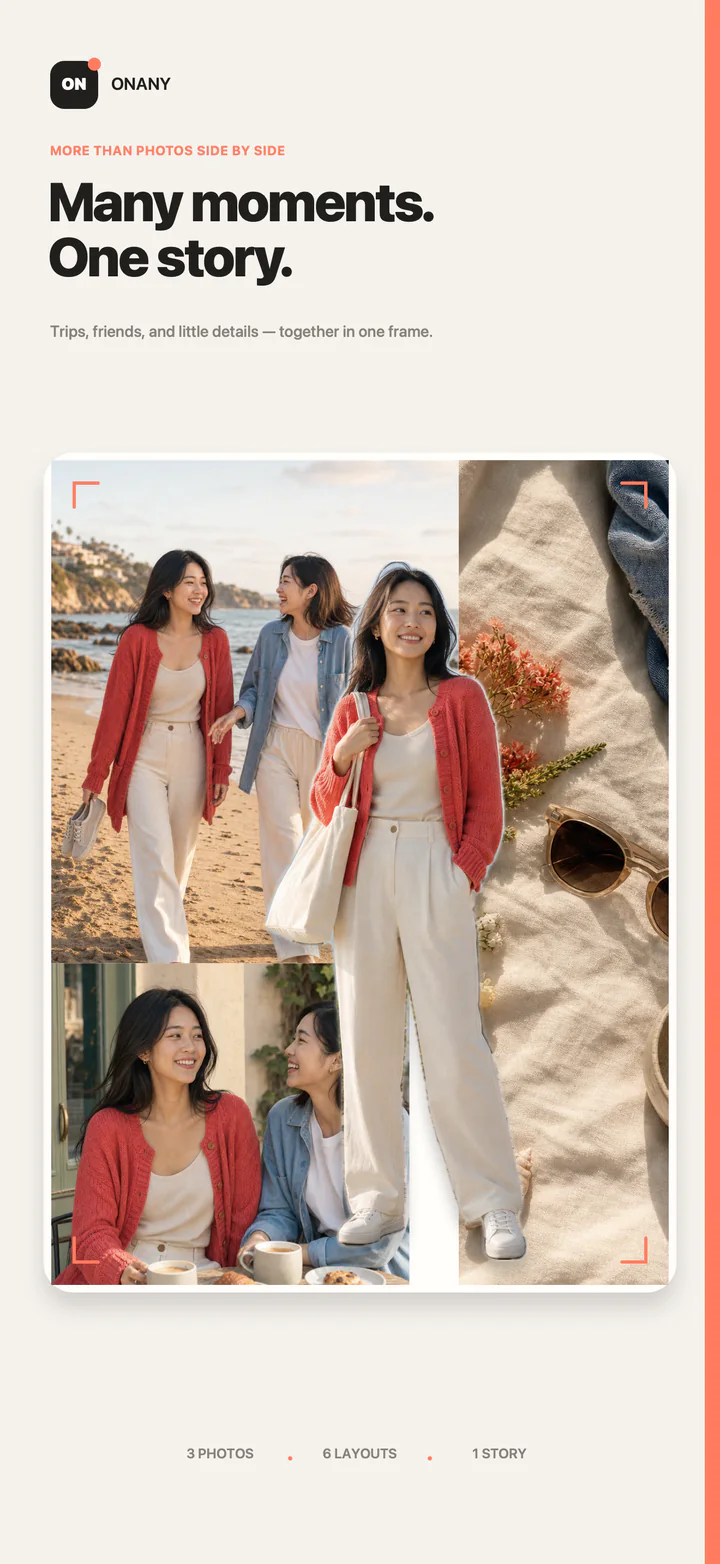
SEE THE RESULT
Build a story from several photos, then let a person, pet, or object step beyond the frame.
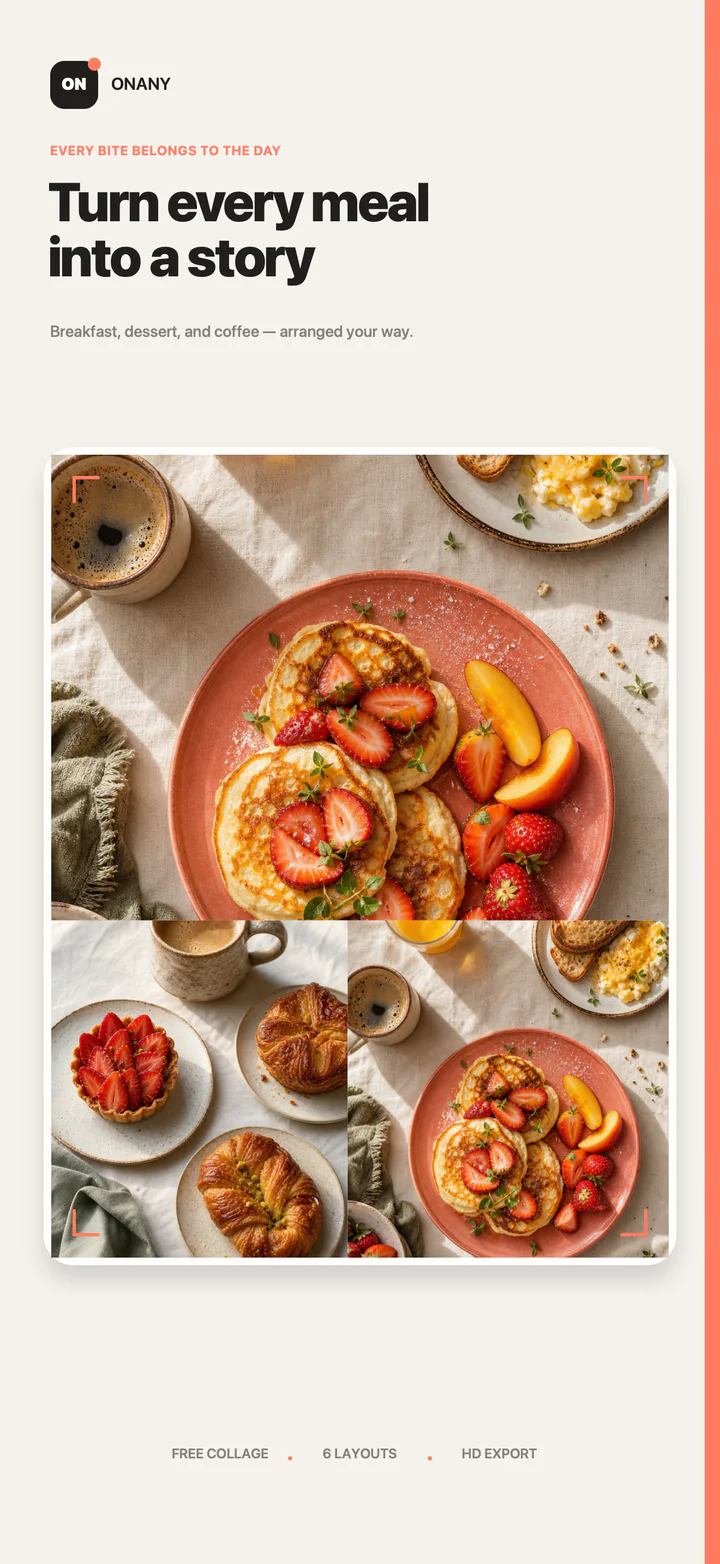
COLLAGE GUIDES
Find the shortest path from photo selection and layout to a polished subject layer.
Explore all collage guides →Choose a lead image, then turn everyday photos into one visual story.
↗ 02Use sequence, space, and one emotional anchor instead of stacking more filters.
↗ 03Arrange 2–6 photos and spend your time only on the adjustments that matter.
↗ 04Bring a person, pet, or object above the collage so it can cross the frame.
↗HOW IT WORKS
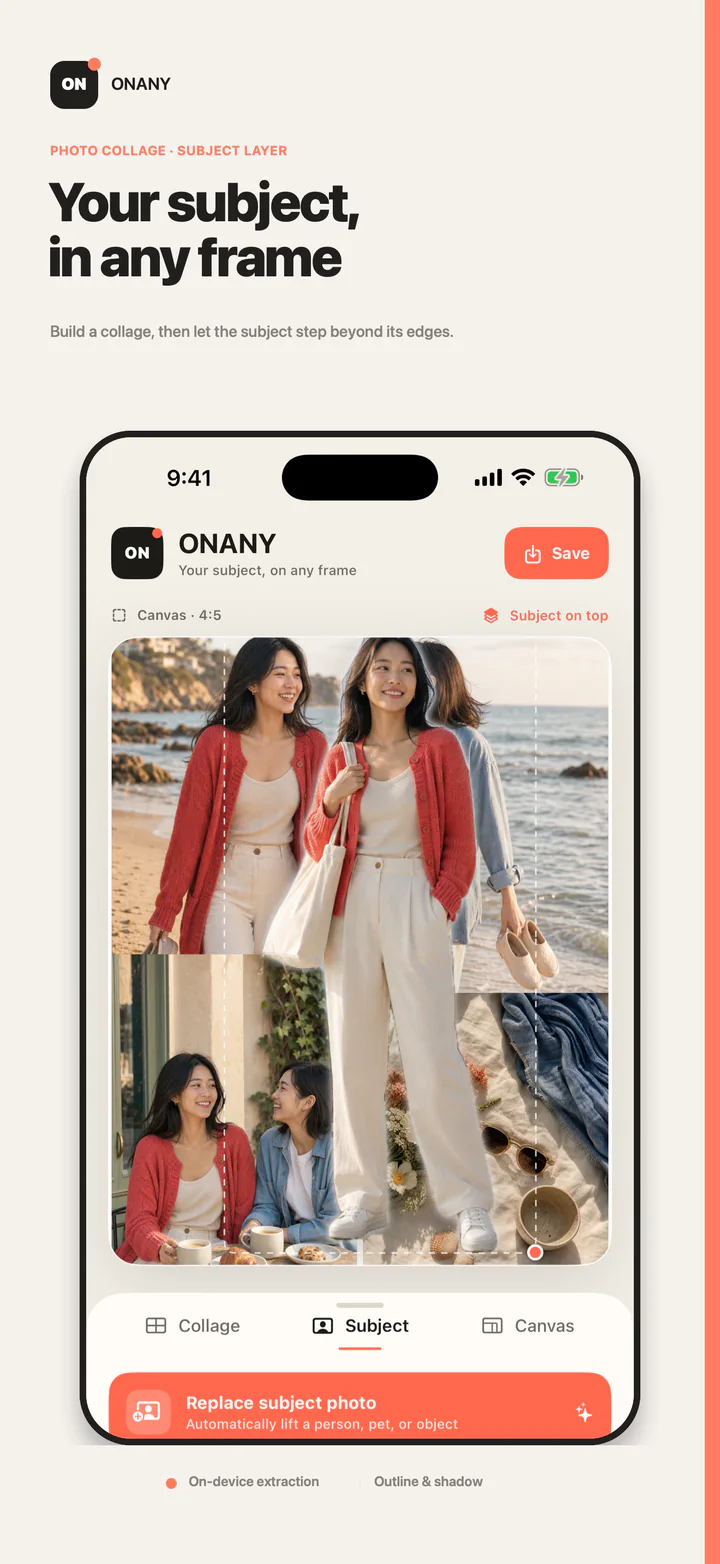
Layouts arrange the frame. The subject layer gives the composition a foreground.
Select images from Photos, then explore different layouts and canvas ratios.
On-device subject extraction identifies a person, pet, or object without uploading your photo.
Move, scale, and rotate the subject, add an outline or shadow, then save the finished image to Photos.
PRIVACY POLICY
Effective July 30, 2026
ONANY does not require an account and does not collect names, contact details, location, device identifiers, usage data, or photo content. The app contains no advertising, analytics, or third-party tracking SDKs.
Selected photos, collage creation, and subject extraction are processed entirely on your device and are not uploaded to our servers. A finished image is written to Photos only when you choose to save it.
ONANY requests Photos read or write access only when you select images or save your work. You can change these permissions at any time in Settings.
Because we do not collect personal data, ONANY does not knowingly collect information from children. If our privacy practices change, this page and its effective date will be updated.
SUPPORT
Please include your device model, iOS or iPadOS version, the steps that led to the issue, and any screenshot you are comfortable sharing.
QUICK HELP
Open Settings → Privacy & Security → Photos → ONANY and allow access to the photos you need. Saving finished work also requires Photos write access.
Choose a well-lit photo with a clear subject outline and good contrast from the background. Heavy occlusion or transparent objects can affect the system result.
No. Collage creation, subject extraction, and export happen on your device. The app does not upload your photos to a server.