
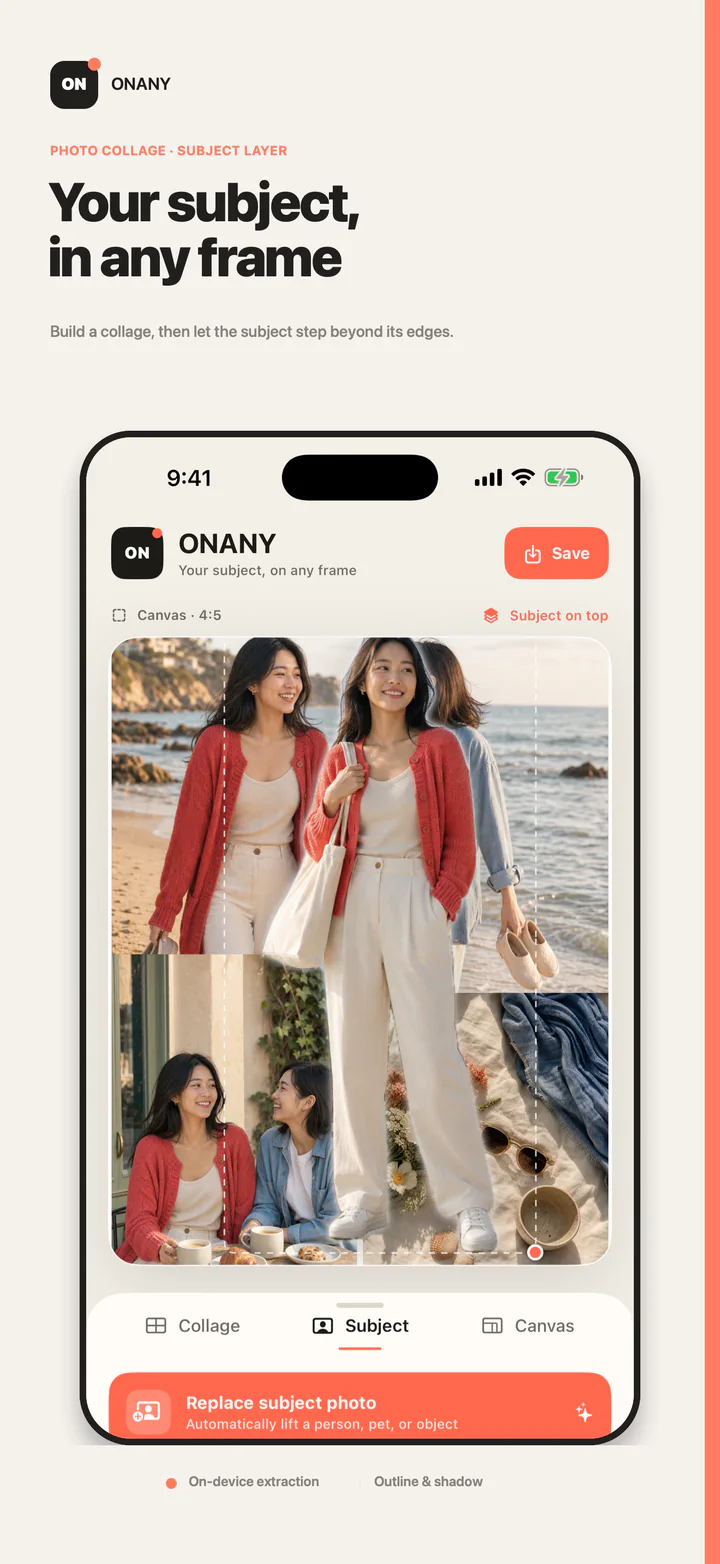
When you want to share a trip, a day with friends, or a small daily moment, you do not need to build from a blank canvas. Let a layout do most of the placement, then spend time only where people will notice.
A one-minute collage workflow
- Choose 2–6 photos from the same moment without overthinking the order.
- Pick a layout and canvas ratio that can hold the set clearly.
- Move the most important image into the largest or earliest position.
- Check that faces, food, text, and gestures are not cropped awkwardly.
- Add a person, pet, or object as a subject layer only when it needs emphasis; otherwise export.
What different photo counts are good for
Two photos work for comparisons or two perspectives. Three naturally create a lead, environment, and detail. Four suit balanced records. Five or six can tell a fuller story, but each frame should add something new.
If the sixth image is there only because it was hard to delete, the result often becomes smaller and busier. Ask whether the story still works without it.
Adjust only what matters
Crop comes first: protect faces, gestures, pet ears, food, and readable text. Hierarchy comes second: the lead image needs more area or a stronger position. Decoration comes last.
Subject layers, outlines, and shadows add depth, but they are not required. When the base layout already reads clearly, saving it is often the best decision.
Fast does not require uploading your photos
Photo selection, layout, subject extraction, and export happen locally on your iPhone or iPad. ONANY does not require an account and does not upload your photos.
Common questions
How many photos are best for a quick collage?
Three is a strong default: one lead, one environment, and one detail. Use two for comparisons and add more only for a fuller story.
Is an out-of-frame subject required?
No. It is an optional expressive layer. Export the base layout when it already communicates clearly.
Why can more photos make the result feel worse?
Every frame becomes smaller and repeated information increases. Keep only images that move the story forward.